This was a rather short week for computer class, with no school on Monday and Reformation parties on Friday. The kids typed their spelling words on Tuesday and practiced web-based math facts on Thursday. Friday served as a "fun day" for the kids because of all the excitement and anticipation of the class parties.
I pray that everyone has a safe and fun weekend!
10.29.2010

10.25.2010
October 18th-21st
Last week was short with Friday serving as a professional development day. All of the classes followed the prescribed routine (typing on Monday, Spelling on Tuesday and Educational Free on Thursday) with the exception of 5th/6th grade. The 5th/6th graders did not have a spelling list for the week, so they spent Tuesday brainstorming ideas for a Power Point slideshow. It looks like the topic will follow what they're learning in Social Studies, which is the WWII.
I hope everyone enjoyed their four day weekend! It's back to the grind tomorrow morning :-)
I hope everyone enjoyed their four day weekend! It's back to the grind tomorrow morning :-)
10.15.2010
Ellis Island Web Tour and Power Point
The students from 3rd-6th grade learned about Ellis Island in computer class today. We started with Google Earth, locating Ellis Island and exploring the surrounding landmarks including Liberty Island where the Statue of Liberty stands, Wall Street, the harbor, etc. Next, we went on the Ellis Island Web Tour at www2.Scholastic.com.

We listened to the audio recordings and watched some of the videos. Unfortunately there wasn't enough time to complete the web tour.
The 4th graders were so enthralled with the Google Earth exploration that we didn't quite make it to the Scholastic website for the Ellis Island Web Tour.
The 2nd graders reviewed what they've learned in Power Point from the last two classes, and I set them free to do their first slideshow about their favorite things. The 2nd graders will work on their slideshow for a couple more days before we can share them on this blog!
10.14.2010
Aqua-Energizer

Aqua-Energizer is a great puzzle game that can played on Thursdays for educational freeday.

Aqua-Energizer is a great puzzle game that can played on Thursdays for educational freeday.
10.12.2010
10/12/10
When the 6th graders finished typing their spelling words, I shared the following short video clip:
The 2nd graders did some more exploring in MS PowerPoint. They reviewed yesterday's objectives, and they learned how to change the design of the slide background, choose slide transitions and animate clipart with "motion paths." The 2nd graders are learning that MS PowerPoint is a powerful and fun application!
10.11.2010
10/11/10
The 2nd graders were introduced to MS PowerPoint today. They learned (or rather, they reviewed) how to type in the text boxes, modify the font, add clipart and add animations. The kids really enjoyed inserting the animations! Tomorrow the 2nd graders will learn more about PowerPoint!
The 5th graders got to do something different today in computer class. Haily brought a thumb drive full of pictures from her summer vacation to Yellowstone Park. She showed everyone the pictures. She had some really cool pictures of Old Faithful, the Continental Divide, glaciers and all sorts of wildlife including polar bears and bison! When Haily was finished showing the pictures, we googled some pictures of the sights and wildlife from Yellowstone. Today's activity sparked engaging discussion and stories!
Below are some of the pictures that the 3rd and 4th graders made using Paint!
 Pumpkins Galore! By Sarah
John Deere Harvest by Matthew
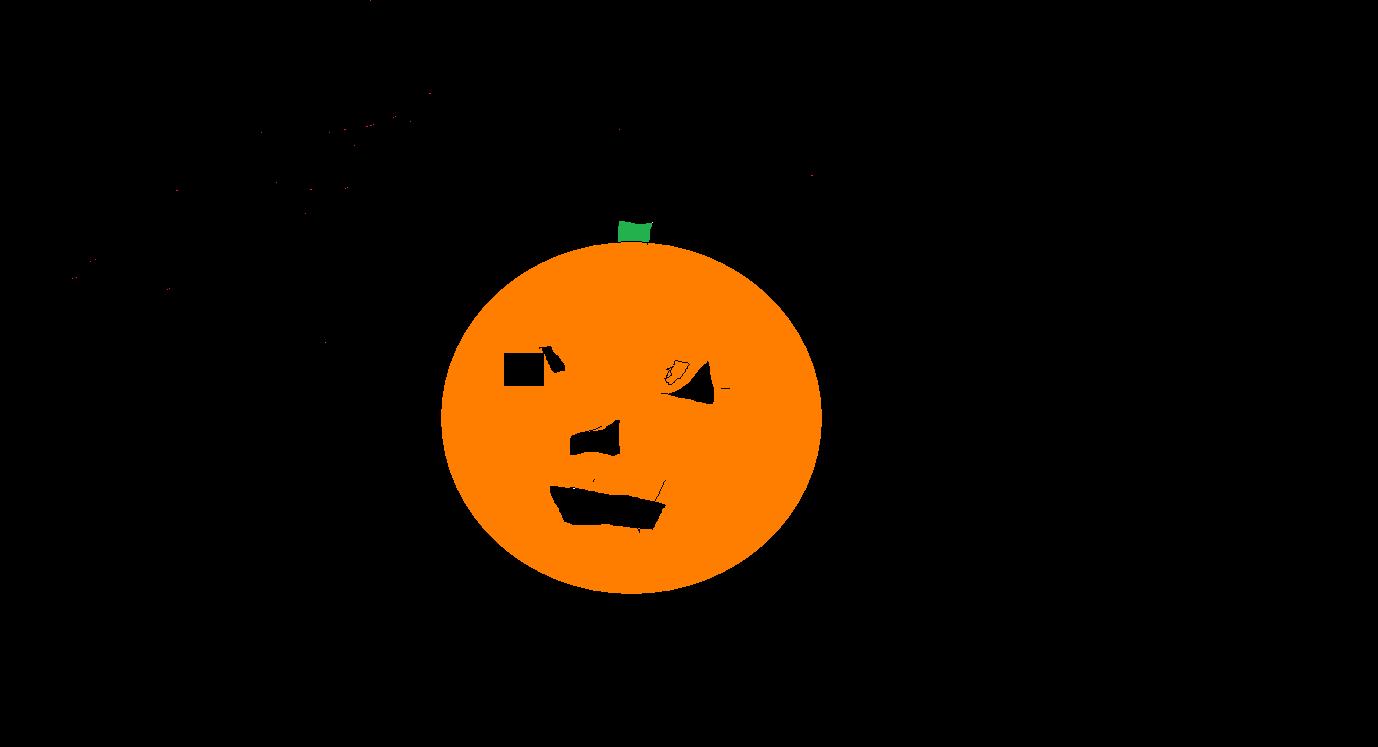
Carved Pumpkin by Sean

by Selina

Happy Halloween! by Wylee

Halloween Scene! by Alexis

by Tate

John Deere Harvest by Adam

Halloween by Hunter
Austin
Mikayla
Jonah
10.08.2010
10-8-10
The 5th and 6th graders completed this web tour and quiz in computer class today! The students took turns reading the information about each location in Ancient Egypt, and they did the quiz as a whole class. The 6th graders finished off with a video about King Tut's mummy.

The 3rd and 4th graders used Paint today to create a harvest or Autumn picture with their choice of jack-o-lanterns, combines and tractors, hay wagon, autumn trees, etc. They'll finish up their work on Monday!
10.07.2010

10.05.2010
10/5/10
The 2nd graders explored Google Earth today in computer class! They were so excited when they saw the aerial view of their school and house! Some of the students found particular interest in locating the Mediterranean Sea and Cancun, Mexico. What fun!
One of the 3rd graders stated that it was easier to type when he used the proper typing position with his fingers on the home row! Way to go 3rd grade!
One of the 3rd graders stated that it was easier to type when he used the proper typing position with his fingers on the home row! Way to go 3rd grade!
10.04.2010
10/4/10
The first graders enjoyed exploring Paint today in computer class! They learned how to launch a new paint document, zoom in and out, and use many of the tools!
The 3rd-6th graders were introduced to "Speed Skins." These are thin covers for the keyboard that hide the letters on the keys. The students learned how to properly handle and store the Speed Skins. Unfortuately the Speed Skins were not very popular because they have a different feel from what the kids are used to.
The 3rd graders have learned the proper finger placement on the home row keys, and they are already learning to touch type the home row, the "e" and the "h" without looking at their keyboard! This 3rd grade class is doing a fantastic job!
The 2nd graders showed me that they know how to insert clipart, format clipart, change the font (style, color and size), save, and print today! Good job second graders!!!
I encourage those with Facebook accounts to search for Zion-St. John School on Facebook, if they haven't already! Let's stay connected!
The 3rd-6th graders were introduced to "Speed Skins." These are thin covers for the keyboard that hide the letters on the keys. The students learned how to properly handle and store the Speed Skins. Unfortuately the Speed Skins were not very popular because they have a different feel from what the kids are used to.
The 3rd graders have learned the proper finger placement on the home row keys, and they are already learning to touch type the home row, the "e" and the "h" without looking at their keyboard! This 3rd grade class is doing a fantastic job!
The 2nd graders showed me that they know how to insert clipart, format clipart, change the font (style, color and size), save, and print today! Good job second graders!!!
I encourage those with Facebook accounts to search for Zion-St. John School on Facebook, if they haven't already! Let's stay connected!
10.02.2010
10/1/10- Blabberize.com
On Friday the kids explored http://blabberize.com/. They googled an image of their favorite animal, saved the image to their pictures folder and uploaded the image to the blabberize website. Some of the students had enough time to record their voice for animating the mouth that they drew onto the animal. Unfortunately the website was experiencing technical difficulties, and the recording process took a long time.
These "blabberized" animations can be saved and used in the students' slideshows and WMM movies! What fun!
These "blabberized" animations can be saved and used in the students' slideshows and WMM movies! What fun!
9.30.2010
Recap of September
The first week of computer class I took pictures of each class, and the kids uploaded the pictures onto picnik.com where they could use various tools to edit the pictures. Some of the most popular editing tools that were used were the color modifiers, stickers, frames and text inlay.
Check out all of the cool stuff you can do to your photos at picnik.com!
The second week of computer class I introduced the kids to switchzoo.com. At this site the kids made their own animals by combining different kinds of animals together. They could also give their animal a name and write a short description. The kids loved this site, and they even chose to visit the site during their educational freeday! The computer lab door is covered in the student's work. Some of the students who had extra time explored the website and found some fun games such as "Feeding Time," "Sound Match" and "Build an Online Habitat."
The third week of computer class I introduced the kids to cooltext.com where they could create their own logos. The kids were amazed with the endless possibilities of font styles, text colors, background images, etc! I was impressed with all of the logos that they created! I was delighted when some of the students used Christian phrases such as "God is Love," and "The Lord is my Savior!" Many of the kids used their new logo as the background for their desktop account!
As a special activity, the fifth and sixth graders read an entry from their journals about where they'd like to visit. They used Google Earth while the rest of the students viewed the image that was projected onto a screen. Following the activity, many of the students used Google Earth to explore different locations including Disneyworld, Hawaii, Dubai (UAE) and Paullina. Google Earth is an amazing tool that we will no doubt use again and again!
In addition to using Google Earth and the three websites mentioned above, the second graders have been working extensively in MS Word. They are learning the various tools on the MS Word 2007 such as spelling check, numbering/bullets, clip art, font style/size/color/etc and save/print/open/etc. The kids recently completed a mini project on Word about their favorite things.
Looking ahead in computer class, I plan to use MS Excel, MS PowerPoint, MS Word and Windows Movie Maker to integrate subjects that the students are learning in their classrooms!
Check out all of the cool stuff you can do to your photos at picnik.com!
The second week of computer class I introduced the kids to switchzoo.com. At this site the kids made their own animals by combining different kinds of animals together. They could also give their animal a name and write a short description. The kids loved this site, and they even chose to visit the site during their educational freeday! The computer lab door is covered in the student's work. Some of the students who had extra time explored the website and found some fun games such as "Feeding Time," "Sound Match" and "Build an Online Habitat."
The third week of computer class I introduced the kids to cooltext.com where they could create their own logos. The kids were amazed with the endless possibilities of font styles, text colors, background images, etc! I was impressed with all of the logos that they created! I was delighted when some of the students used Christian phrases such as "God is Love," and "The Lord is my Savior!" Many of the kids used their new logo as the background for their desktop account!
As a special activity, the fifth and sixth graders read an entry from their journals about where they'd like to visit. They used Google Earth while the rest of the students viewed the image that was projected onto a screen. Following the activity, many of the students used Google Earth to explore different locations including Disneyworld, Hawaii, Dubai (UAE) and Paullina. Google Earth is an amazing tool that we will no doubt use again and again!
In addition to using Google Earth and the three websites mentioned above, the second graders have been working extensively in MS Word. They are learning the various tools on the MS Word 2007 such as spelling check, numbering/bullets, clip art, font style/size/color/etc and save/print/open/etc. The kids recently completed a mini project on Word about their favorite things.
Looking ahead in computer class, I plan to use MS Excel, MS PowerPoint, MS Word and Windows Movie Maker to integrate subjects that the students are learning in their classrooms!
8.31.2009
8.24.2009
6.19.2009
6.12.2009
Put on the Armor of God
Growing up as a kid, I was very much sheltered from individuals who didn't believe in Christ as their Savior. I lived in a community that was a "safe zone" for Christians because we didn't have to face interference from non-believers who wanted to challenge our faith. It wasn't until I was in junior high school when I first heard the word "atheist." I learned the definition thanks to a friend who announced that she didn't believe in God. Oh boy, was I ever shell shocked! Why would anyone NOT want to believe in the loving God that resided in every one's heart? I was somewhat traumatized by this new discovery.
20 some years later I am beginning to understand the devastating struggle between believers and non-believers. As I become more versed in the many books of the Holy Bible, I realize that Christians are up against a very crafty opposition, and it is important as ever that we "put on the armor of God."
Here are some details to ponder:
20 some years later I am beginning to understand the devastating struggle between believers and non-believers. As I become more versed in the many books of the Holy Bible, I realize that Christians are up against a very crafty opposition, and it is important as ever that we "put on the armor of God."
Here are some details to ponder:
- The Devil is very much at work in this world. He persistently attempts to challenge the faith of Christians. He will not give up until the end of days.
- The Devil is very crafty. He attempts to mislead in a very persistent and convincing way. He attempts to make people question their faith by mocking everything related to Christianity including the Bible, miracles, prayer, and God's love.
- Christians need to "put on the armor of God" at all times to keep ourselves close to our loving Father. The "armor" is our faith, and we "wear" it by reading of the Word and practicing what the Lord has commanded of us. We use our armor to denounce the Devil's attempts.
The Internet has given the Devil a free avenue to reach more people today than ever before. Please, when you visit the Internet, remember your faith, and put on the armour of God.
6.09.2009
The Chalk that Didn't Break
While I do not know the legitimacy of this story, it certainly does give a good example of how Christ can work through His people when they seek His guidance! Through Him, all things are made possible.
The Great Molecule
Learn about a tiny molecule in the human body called laminin that holds our bodies together:
Here in lies yet another amazing piece of evidence that Christ is a huge part of our lives!
Here in lies yet another amazing piece of evidence that Christ is a huge part of our lives!
Subscribe to:
Posts (Atom)